Settings
Open Settings… from the bottom of the window. Five tabs.
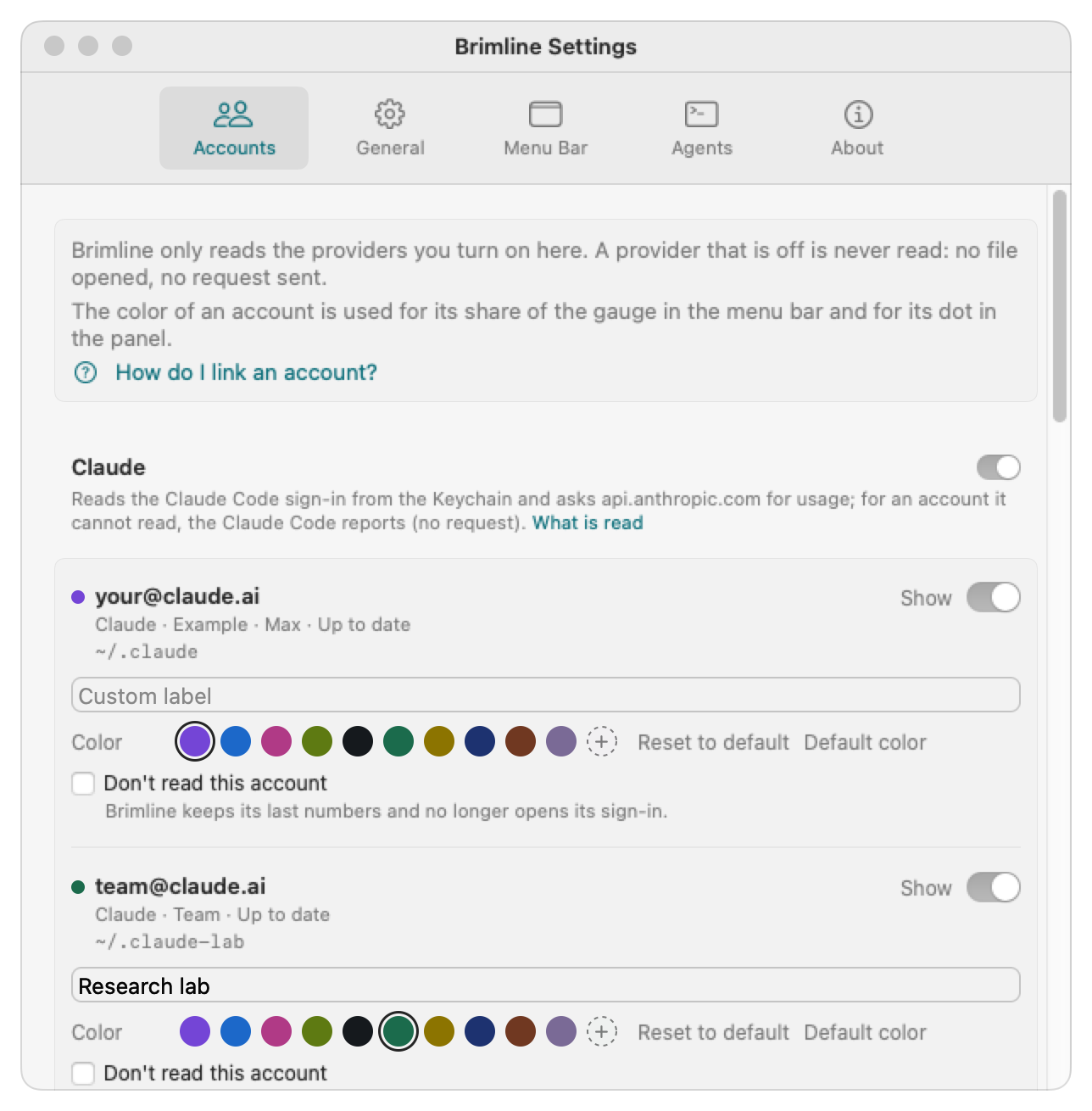
Accounts
- The accounts found, with their provider, address, folder and state.
- Show: a switch to show or hide each account in the window. Custom label: a name of your own, shown with the address.
- Add a Claude Code folder… for a folder Brimline did not find by itself (Remove takes it out of the list again), and Search again.
- The How do I link an account? link, which opens the guide to linking an account (the same steps as Link your accounts).
- One block per provider, with a switch, one line that says what Brimline reads and where it asks (What is read opens the documentation), and a Don't read this account box per account. Claude is on; ChatGPT, Gemini, Grok and Cursor are off until you turn them on, and a provider that is off is not touched at all. Add a Codex folder… adds a Codex folder that is somewhere else. See Link your accounts.
- A Color line under each account: ten colors, Other color… and Reset to default, with a warning when two colors are close or a color is hard to see. See the color of an account.
- A Claude Code reports block, with the command to copy for each Claude account. See Claude Code reports.
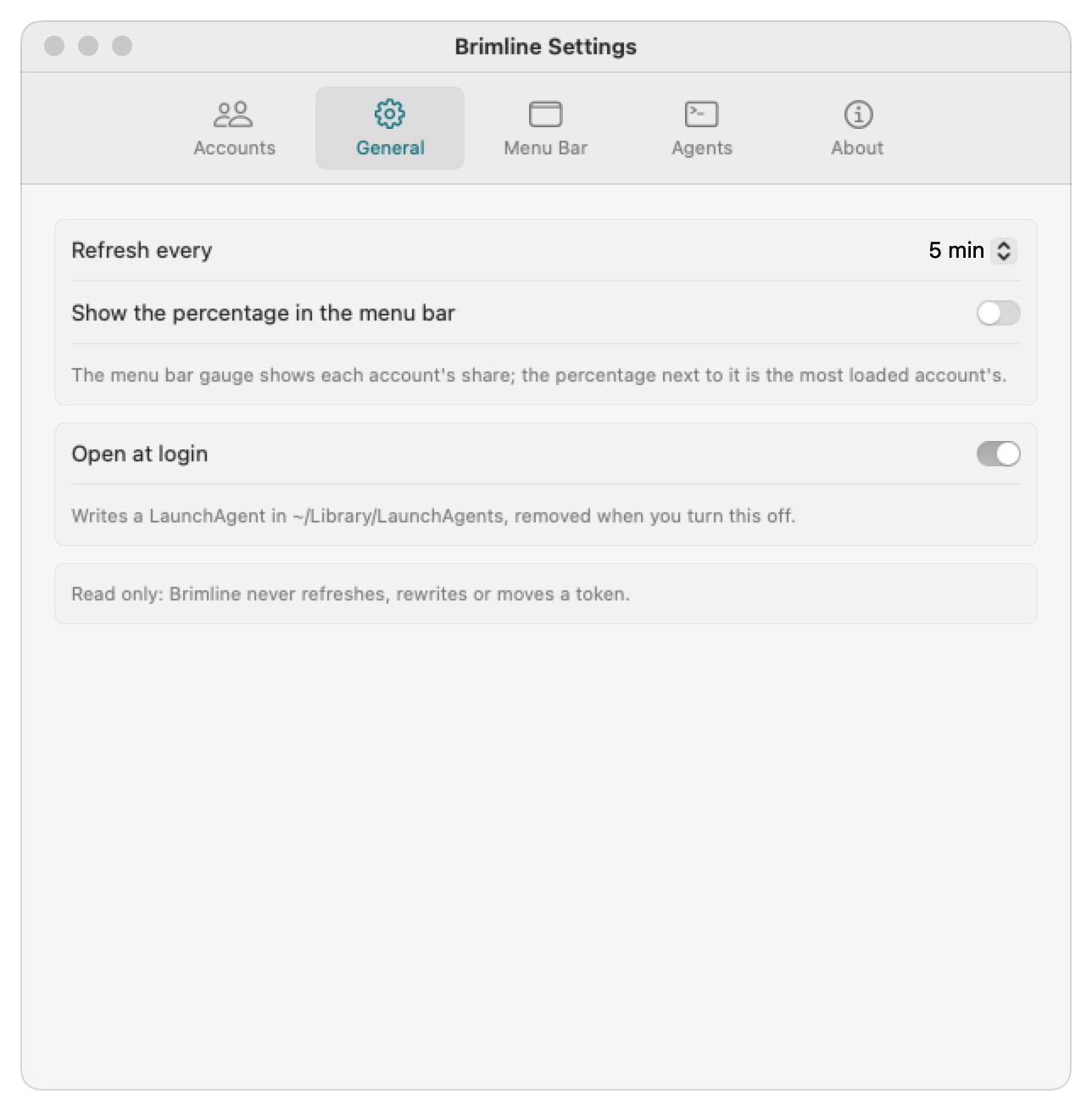
General
- Refresh every 2, 5 (default), 10 or 15 min: how often Brimline reads the limits. Refresh, in the window, reads at once.
- Show the percentage in the menu bar, next to the gauge.
- Open at login: the app writes a LaunchAgent,
~/Library/LaunchAgents/eu.thanaelfontaine.brimline.plist, and removes it when you turn the option off.
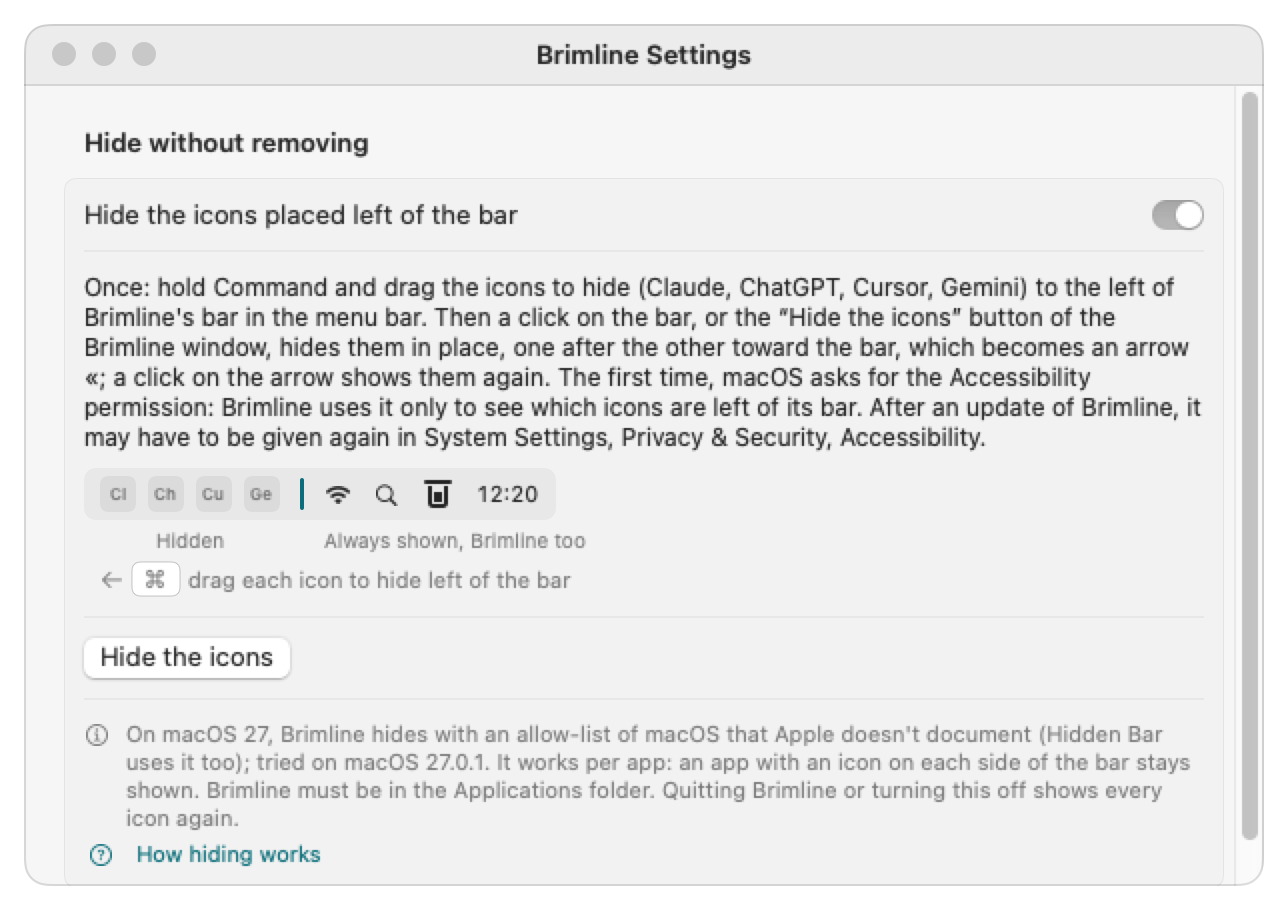
Menu Bar
Where to turn off the icons of Claude, ChatGPT and Cursor in their own apps, and Hide without removing, which is off by default: Brimline adds a thin bar of its own to the menu bar, you drag the icons to hide to the left of it once with Command held down, then a click on the bar (or Hide the icons) hides them, and the bar becomes an arrow « that brings them back. On macOS 27, macOS asks for the Accessibility permission the first time (it may have to be given again after an update), and Brimline must be in the Applications folder. Apple does not document the technique, tried on macOS 27.0.1 on a screen without a notch only. See hide the icons of other apps.
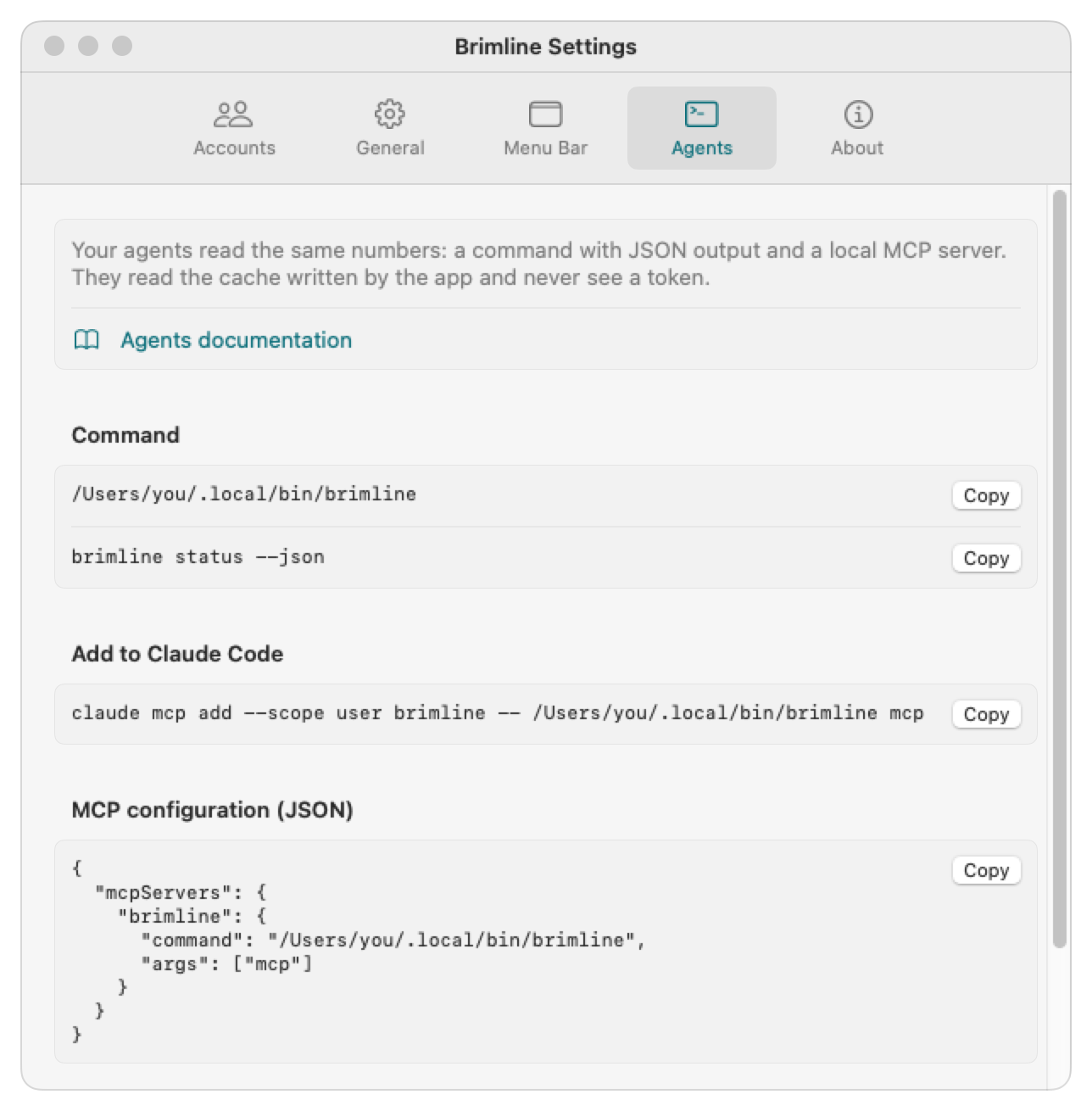
Agents
The path of the brimline command, the line to Add to Claude Code, the MCP configuration (JSON) for other clients, each with a Copy button, and the path of the cache the command and the MCP server read. See For agents.
About
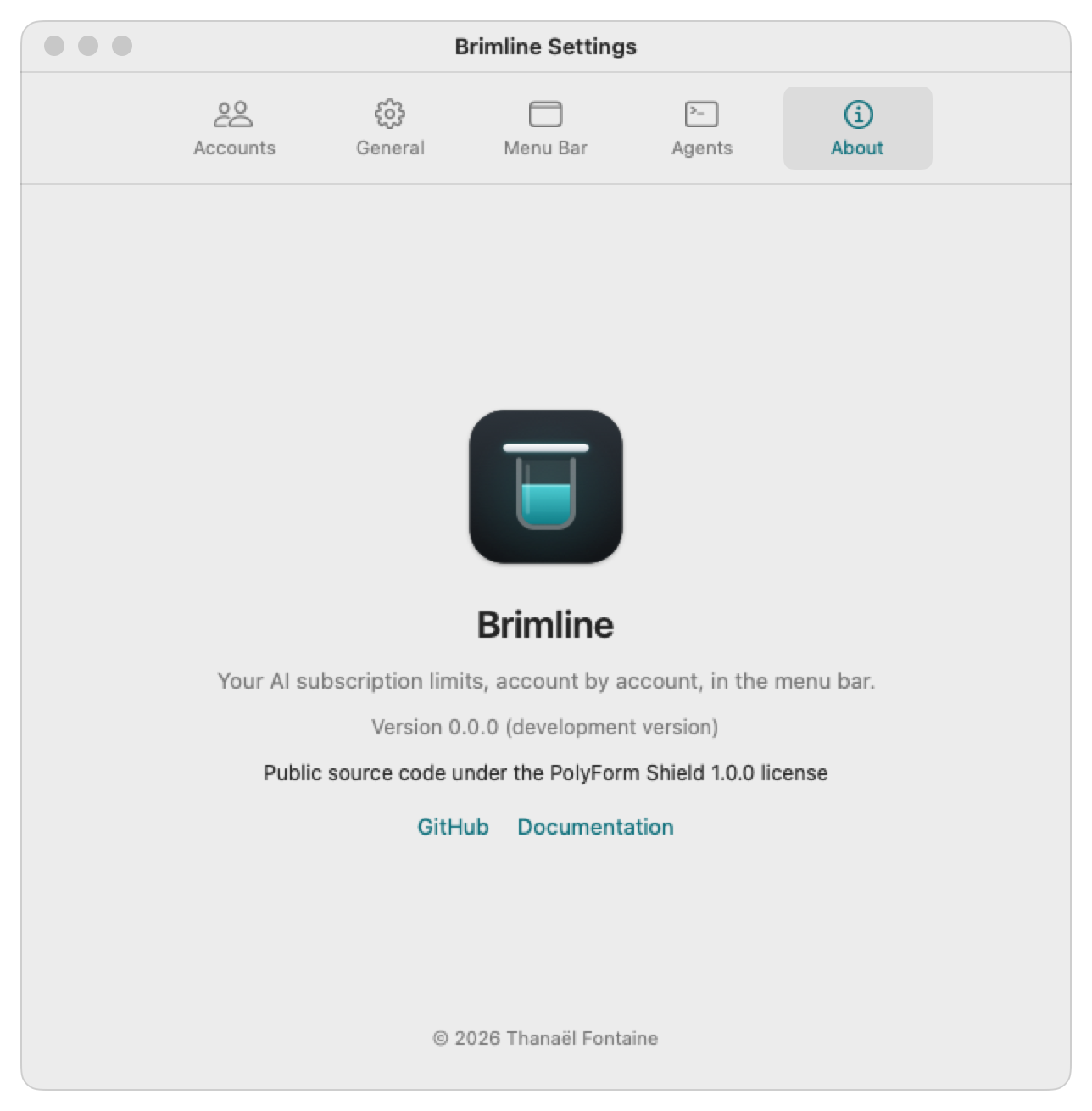
The version, the license (“Public source code under the PolyForm Shield 1.0.0 license”), and links to the code on GitHub and to the documentation. A link to this site will come once it is online.
Languages
Brimline speaks English and French, and follows the language of your Mac.